 This page shows you how to inject data from data sources managed by Fivetran into a .
Prerequisites
To follow the steps on this page:- Create a target with Real-time analytics enabled. You need your connection details. This procedure also works for .
- Sign up for Fivetran
Set your service as a destination in Fivetran
To be able to inject data into your , set it as a destination in Fivetran: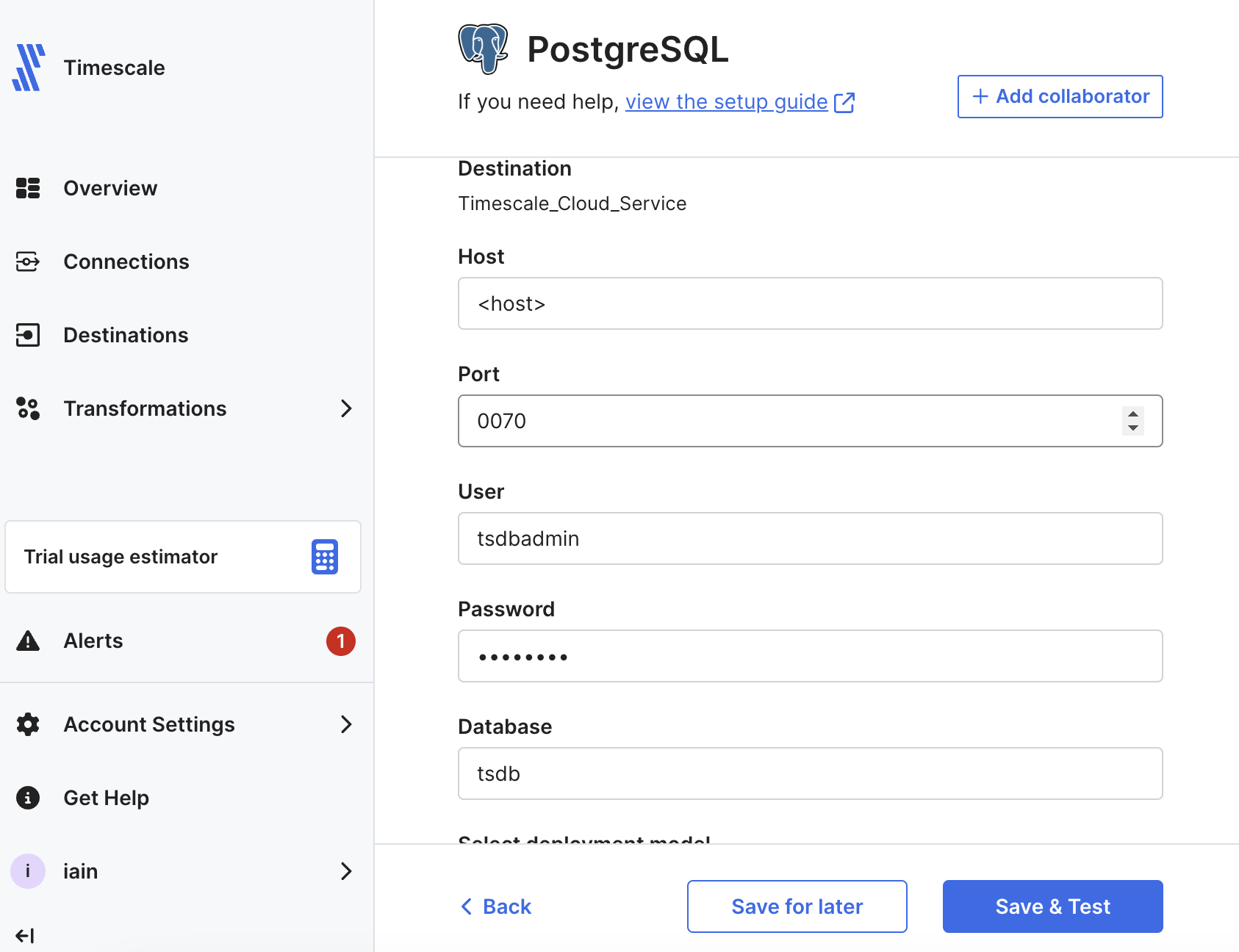
-
In Fivetran Dashboard > Destinations, click
Add destination. -
Search for the
{PG}connector and clickSelect. Add the destination name and clickAdd. -
In the
{PG}setup, add your connection details, then clickSave & Test. Fivetran validates the connection settings and sets up any security configurations. -
Click
View Destination. TheDestination Connection Detailspage opens.
Set up a Fivetran connection as your data source
In a real world scenario, you can select any of the over 600 connectors available in Fivetran to sync data with your . This section shows you how to inject the logs for your Fivetran connections into your .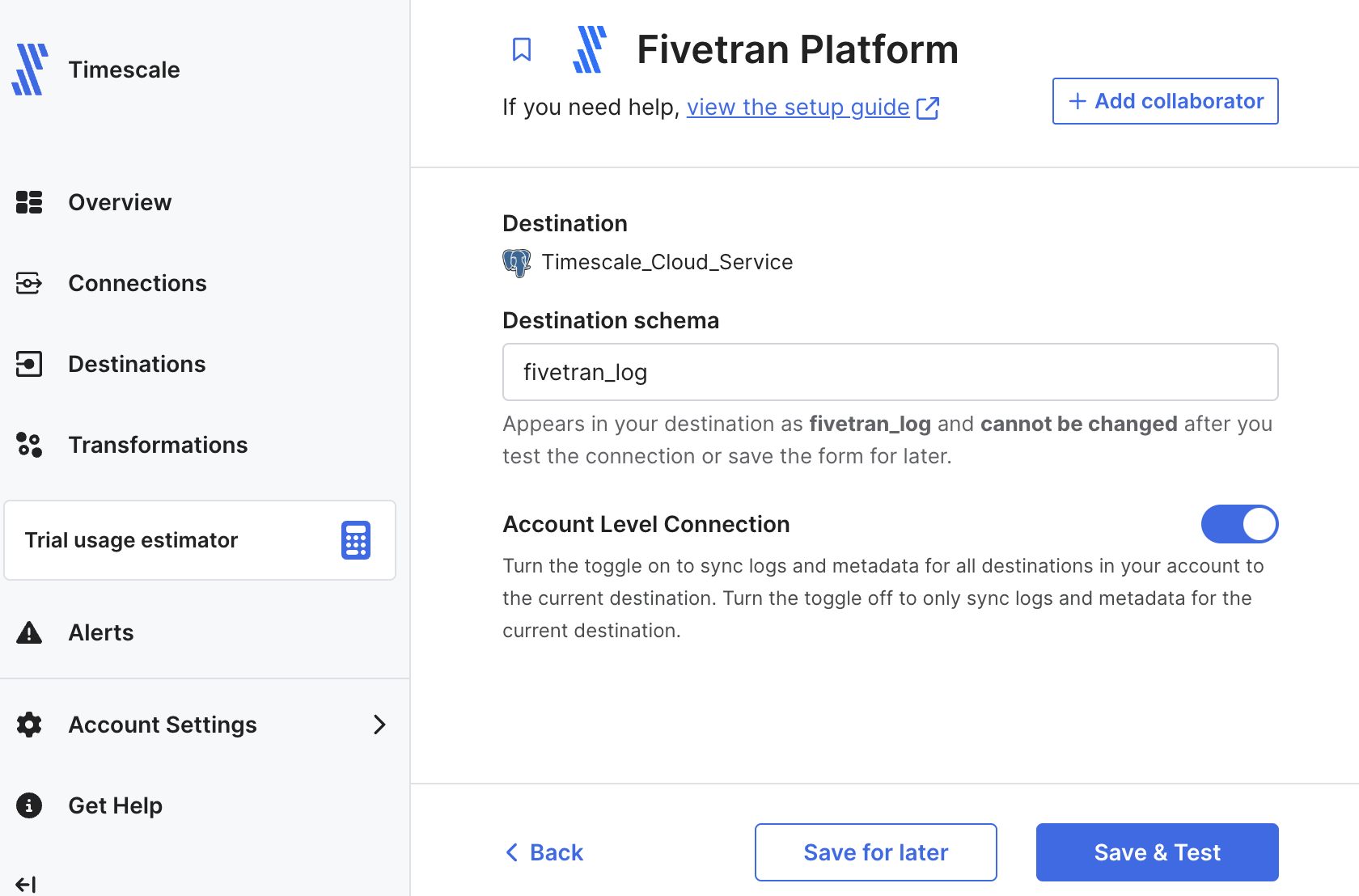
-
In Fivetran Dashboard > Connections, click
Add connection. -
Search for the
Fivetran Platformconnector, then clickSet up. -
Leave the default schema name, then click
Save & Test. You seeAll connection tests passed! -
Click
Continue, selectYes, build data models for me, and clickContinue. Your Fivetran connection is connected to your destination. -
Select
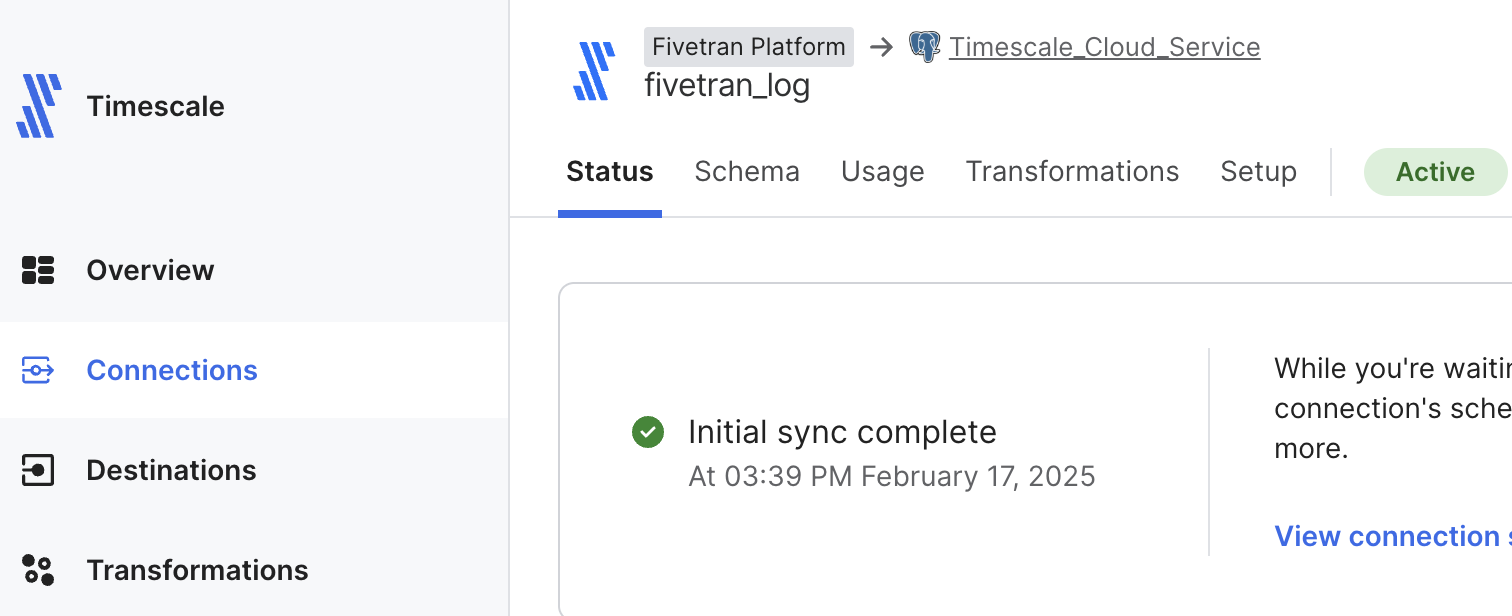
Start syncing all my data nowand clickStart initial sync. Fivetran creates the log schema in your and syncs the data to your .
View Fivetran data in your service
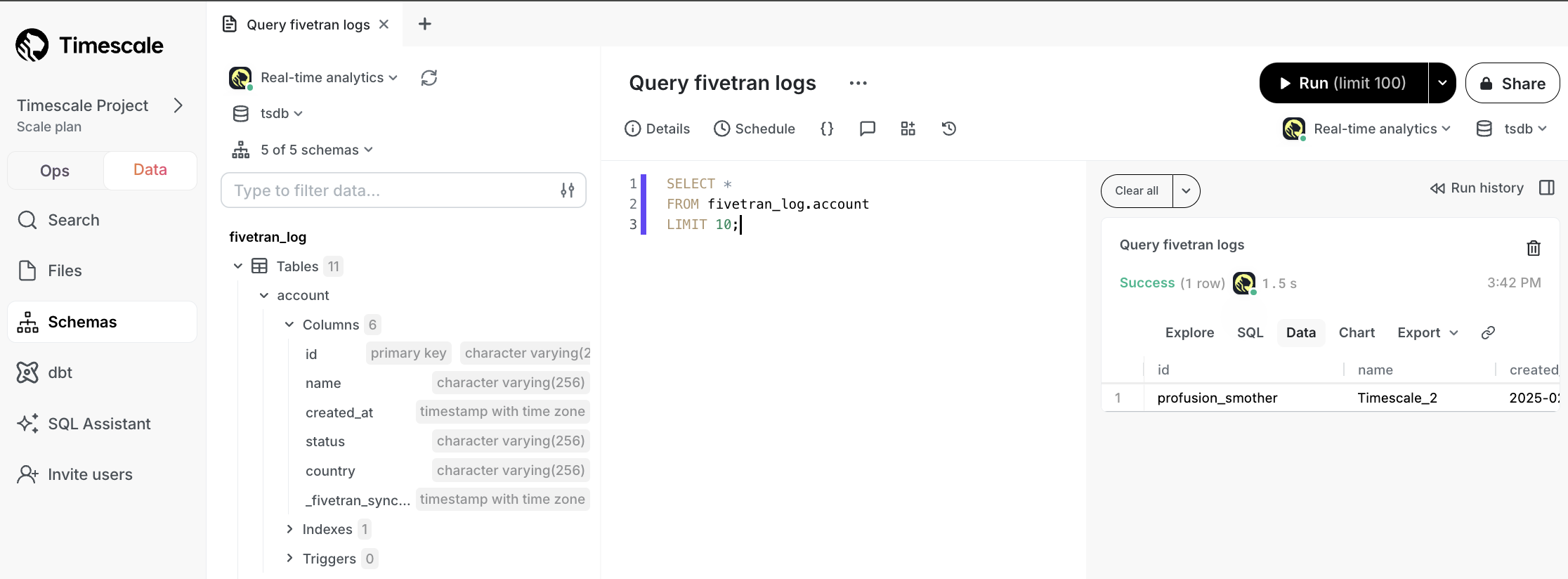
To see data injected by Fivetran into your :-
In , click
Data view, select your , then run the following query:You see something like the following: